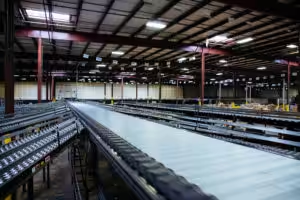
PLC security is the practice of protecting the programmable logic controllers that run a conveyor or sortation system, along with the networks, HMIs, and remote connections around them, from unauthorized access, unauthorized changes, and disruption. In a warehouse or distribution center, its main job is protecting the ability to ship.
When a conveyor PLC is changed, stopped, or locked, the effect is physical and immediate: the sorter stops, the lanes back up, and outbound trucks wait. That’s why PLC security belongs on the operations agenda as well as IT’s. This guide explains how conveyor controls get exposed, what federal guidance recommends, and seven steps that protect the line without taking it down to do the work.
At a glance
- Conveyor PLCs were designed for reliability and speed, not for networks connected to the rest of the business. Many older controllers have little or no built-in access control.
- Most exposure comes from ordinary decisions: a remote-access connection left open, a default password, a flat network shared with office systems, or a laptop that plugs into everything.
- CISA’s primary mitigations for operational technology are a practical starting point: get controls off the public internet, change default passwords, secure remote access, segment IT from OT, and keep the ability to run manually.
- NIST SP 800-82 is the U.S. government’s guide to OT security, and the ISA/IEC 62443 series is the international standard family for industrial automation security.
- Good PLC security work is planned around production, the same way a controls upgrade is.
Table of Contents
Why PLC Security Is an Operations Problem
The problem: a conveyor system’s controllers make thousands of decisions a minute: which zone releases, when a merge opens, which lane gets the next carton. They do it with logic nobody watches as long as cartons keep moving. If someone changes that logic, deletes it, or puts the controller in a stopped state, the building finds out at the shipping dock.
The consequence: the cost shows up as hours of lost shipping, missed carrier cutoffs, overtime, and the manual effort to sort by hand while the system is restored. An office computer can be reimaged; a conveyor PLC often can’t be restored that simply. Someone has to know what the logic was supposed to be.
The engineering answer: good PLC security treats the controls network as production equipment with its own protection, separate from the office network. The rest of this article is about how.
PLC security also has a safety dimension. Controllers run motors, diverts, and sometimes safety functions. An unauthorized change to a conveyor program can create a hazard as well as an outage. That’s one more reason only qualified people should be able to change controller logic, and every change should be traceable.
How Conveyor Controls Get Exposed
The problem: most PLC security gaps start the same way. Warehouses didn’t decide to connect their PLCs to the internet. They made a series of reasonable decisions, each one adding a path in.
Common paths:
- Remote access for support. Integrators, OEMs, and in-house engineers need to reach the PLC to troubleshoot at 2 a.m. Remote access is valuable. An unmanaged, always-on connection is the risk.
- Default and shared passwords. HMIs, managed switches, drives, and remote access devices often ship with default credentials. Shared logins mean no one can tell who made a change.
- Flat networks. When the conveyor network and the office network are one network, anything that reaches an office PC can reach a PLC.
- WCS and WMS integration. The WCS has to exchange destinations and confirmations with the PLCs. If that connection isn’t designed carefully, it becomes a bridge between business systems and controls.
- Laptops and USB drives. A contractor’s laptop that connects to many customer networks is a carrier. So is a USB drive used to move a program file.
- Old controllers. Older PLC platforms often have no meaningful authentication. Anyone with the right software and a network connection can read or change the program.
The consequence: an attacker rarely needs a sophisticated tool. CISA notes that internet-connected OT devices are found by searching for open ports on public IP ranges, and that the targeted systems often use default or easily guessed passwords. Accidental changes follow the same paths: a well-meaning technician downloads the wrong program to the wrong controller.
What CISA and NIST Recommend
The problem: OT security guidance can look like it was written for power plants and water utilities. Warehouse leaders need to know what applies to a conveyor system.
The engineering answer: the core recommendations apply directly to PLC security on a conveyor system. CISA, with the FBI, EPA, and Department of Energy, published five primary mitigations to reduce cyber threats to operational technology:
- Remove OT connections to the public internet. Identify public-facing assets and remove unintended exposure.
- Change default passwords immediately and use strong, unique passwords.
- Secure remote access. If remote access is essential, use a private connection and a VPN with a strong password and phishing-resistant multifactor authentication. Apply least privilege by asset and role, and disable dormant accounts.
- Segment IT and OT networks, with a demilitarized zone (DMZ) for passing control data to business systems.
- Practice and maintain the ability to operate manually, and routinely test backups, fail-safes, and standby systems.
CISA also points out that misconfigurations can be introduced by the system integrator, a managed service provider, or the manufacturer’s default settings. That’s a good reason to ask your integrator how they handle security.
For a deeper framework, NIST’s SP 800-82 Rev. 3, Guide to Operational Technology (OT) Security covers OT system topologies, common threats and vulnerabilities, and recommended countermeasures, while accounting for the performance, reliability, and safety requirements of control systems. It was published in September 2023, and NIST has released an initial public draft of Revision 4. The ISA/IEC 62443 series is the international family of standards for industrial automation and control system security, covering asset owners, integrators, and product suppliers. It’s a licensed standard, and this article describes it only at a high level.
7 Steps to Protect Conveyor Controls Without Stopping the Line
These steps are ordered so the early ones need little or no downtime. Most of them are planning and configuration work.
1. Inventory every controller, HMI, drive, and network device
The problem: you can’t protect what you haven’t listed, so PLC security starts with a list. Many sites don’t have a current list of every PLC, HMI, VFD, I/O adapter, scanner, and switch on the controls network, or the firmware each one runs.
The engineering answer: build the inventory: device, location, catalog number, firmware, IP address, who supports it, and its manufacturer lifecycle status. This work happens during normal operations. It also supports lifecycle planning, because the same list shows which controllers are nearing end of life. For Allen-Bradley systems, Rockwell publishes lifecycle statuses (Active, Active Mature, End of Life, Discontinued) on its product lifecycle page.
2. Back up every program, and test the backups
The problem: the fastest recovery from a corrupted, deleted, or changed program is a known-good copy. Many sites have backups that are years old, incomplete, or stored on one technician’s laptop.
The engineering answer: keep a current backup of every PLC program, HMI application, and drive parameter set, stored off the controls network, with a date and a version. Verify that the backups can actually be restored. Update them after every authorized change. This is the single most effective PLC security step for keeping a security incident or an honest mistake from becoming a long outage.
3. Change default passwords and end shared logins
The problem: default credentials on HMIs, switches, remote access devices, and drives are among the first things an attacker tries. Shared accounts make every change anonymous. Passwords are also the cheapest PLC security fix in the building.
The engineering answer: change every default password, give people individual accounts where the device supports it, and remove accounts for people who’ve left. On current controllers, use the access control the platform provides. Rockwell lists role-based access control, change detection, and logging on its current CompactLogix 5380 and ControlLogix 5580 controllers.
4. Get the controls network off the internet and lock down remote access
The problem: an always-on remote connection is the most direct path into a conveyor PLC. It’s also how support reaches the system at 2 a.m.
The engineering answer: keep remote access, and make controlling it part of your PLC security plan. Confirm that no PLC, HMI, or controls switch is reachable directly from the internet. Route remote access through a VPN with multifactor authentication, as CISA recommends. Give each person or support provider their own credentials. Enable access only when it’s needed, limit it to the systems that person supports, and log sessions.
5. Segment the controls network from the business network
The problem: on a flat network, malware that reaches an office PC can reach a sorter PLC. So can a misconfigured device that floods the network with traffic.
The engineering answer: separate the controls network from the business network, and pass only the data that has to cross through a controlled point, typically a firewall and a DMZ. The WCS exchange with the PLCs should be one defined, documented path. Within the controls network, separating major areas limits how far a problem spreads.
Segmentation is the PLC security step most likely to need a planned outage, because IP addresses and network paths change. Plan this part of PLC security like any controls cutover: design it, test it, schedule it in a low-volume window, and have a rollback plan.
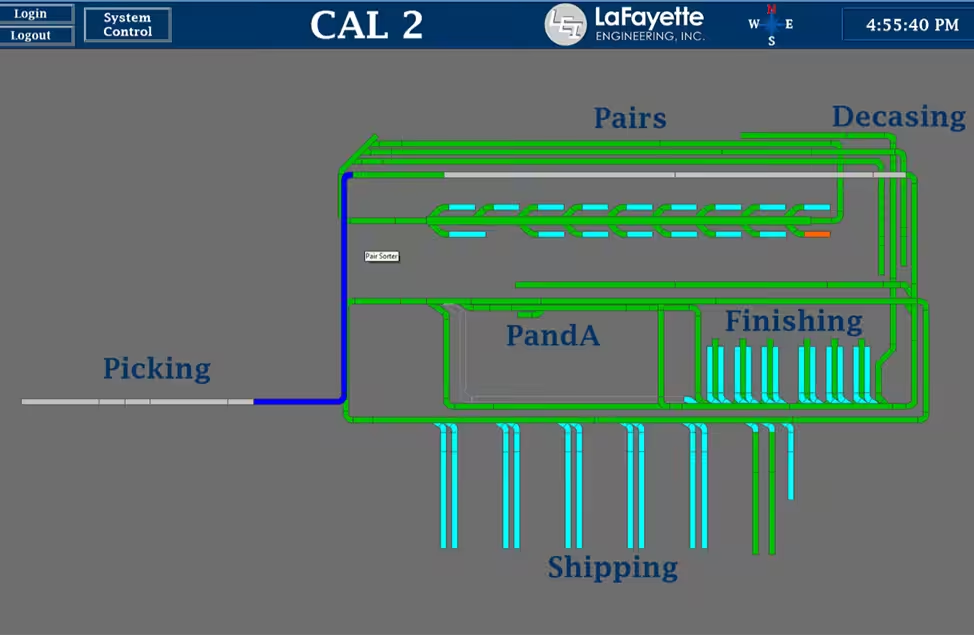
6. Control changes to PLC programs
The problem: an unauthorized or mistaken program change is a security event even when no attacker is involved. If no one knows who changed the logic, troubleshooting starts from zero.
The engineering answer: set a change process: who can change controller logic, how changes are approved, how they’re tested, and how the backup is updated afterward. Use controller features that detect and log changes where they’re available. Keep engineering laptops dedicated to controls work, patched, and scanned, and limit USB drives used to move files. Change control is the part of PLC security that protects you from your own mistakes as much as from outsiders.
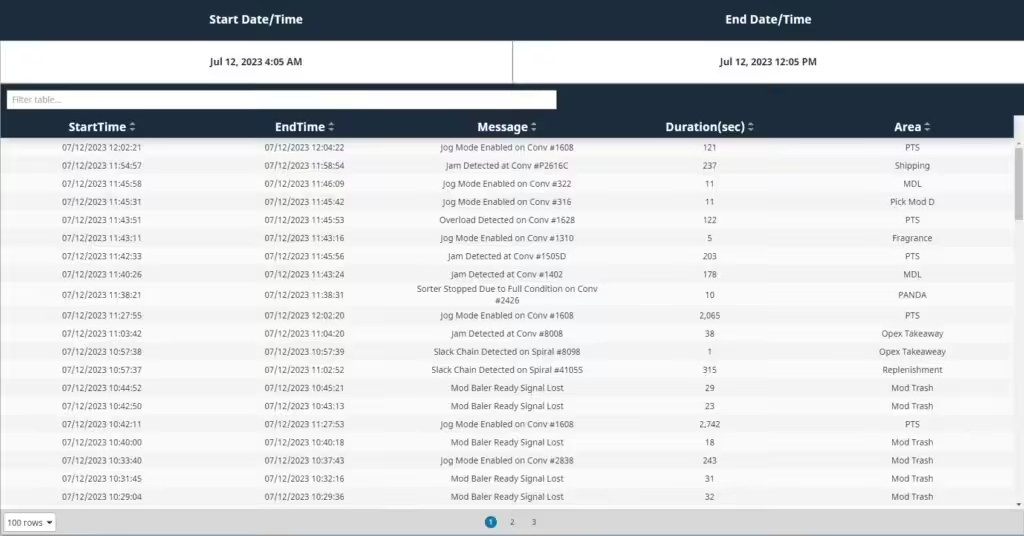
7. Keep the ability to run manually, and practice it
The problem: PLC security planning has to assume something will eventually get through. If the controls are compromised, the question is how long the building can keep shipping while they’re restored.
The engineering answer: CISA lists maintaining the ability to operate manually as a primary mitigation. For a conveyor system, that means knowing which areas can run in a degraded or manual mode, how cartons get to shipping if the sorter is down, and how long a full restore from backup takes. Test it before you need it, and treat the test as part of your PLC security routine.
Older Controllers: The Hardest Part of PLC Security
The problem: many conveyor systems still run on PLC platforms that were designed before network security was a design requirement. These controllers often lack authentication, encrypted communication, and change logging. Some are past their manufacturer’s supported life.
The consequence: PLC security on an old controller depends entirely on what surrounds it: the network, the remote access, and the people. And a controller that’s End of Life or Discontinued brings a second risk. If it fails, replacement parts may not be available.
The engineering answer: protect what you have with segmentation and access control now, and put old controllers on a migration plan. Current platforms include security features older ones don’t. Rockwell lists encrypted firmware and CIP Security support on the CompactLogix 5380, and states that the ControlLogix 5580 process controller is certified by TÜV Rheinland to IEC 62443-4-2. LEI’s guide to CompactLogix vs. ControlLogix covers how those families compare for a conveyor system.
PLC security and lifecycle planning use the same inventory and the same migration windows. Handled together, they cost less than handled separately.
Questions to Ask Your Controls Integrator
PLC security depends on how the integrator designs, delivers, and supports the system, so raise it before the contract is signed. Useful questions:
- How will you connect for remote support, and how is that connection secured and logged?
- Who will have accounts on our controllers and HMIs, and how are they removed when people leave?
- Will we receive the complete, documented PLC and HMI programs, and a current backup at handover?
- How is the WCS or WMS connection to the PLCs designed, and what crosses between networks?
- Which controller platforms and firmware versions are you specifying, and what is their lifecycle status?
- How do you keep your own engineering laptops and remote access tools secure?
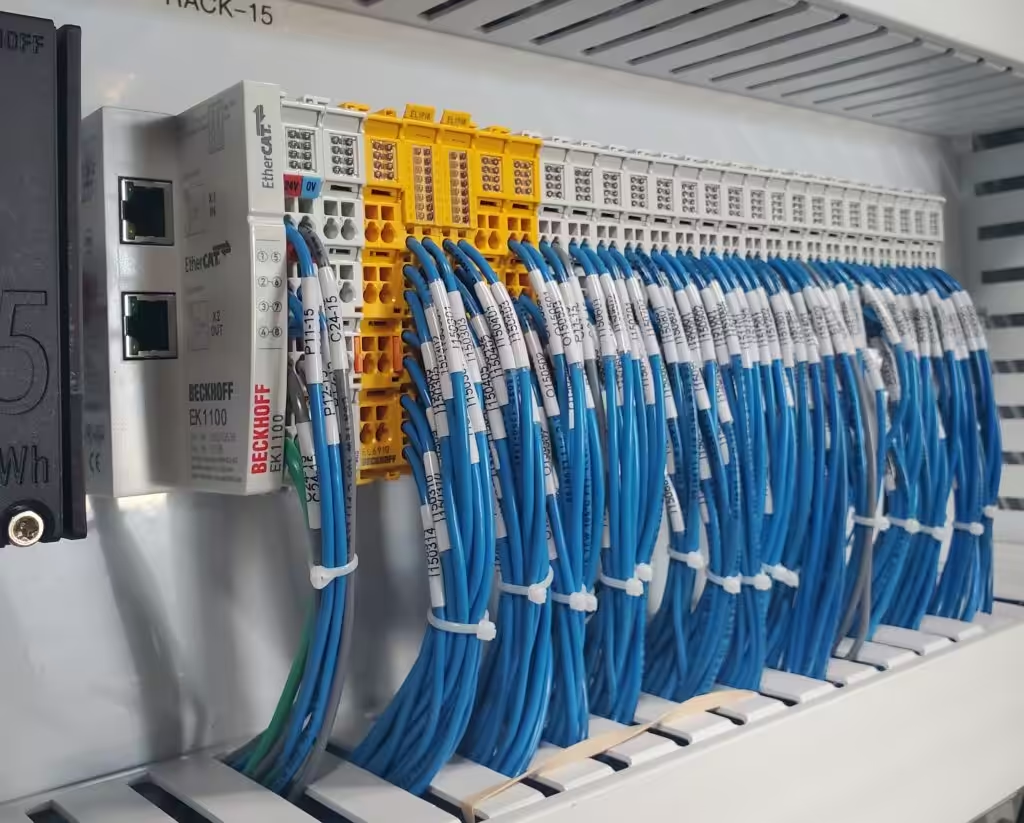
LaFayette Engineering uses only open, non-proprietary components and programming architectures in its controls systems, with components from recognized manufacturers so spare parts are available locally. For PLC security, that openness means the owner can see, back up, and support what’s in the panel.
How LaFayette Engineering Supports Secure Controls
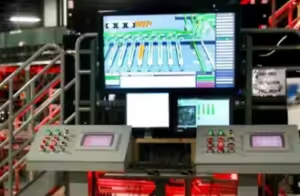
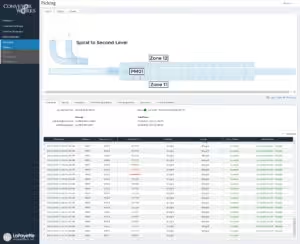
LaFayette Engineering designs and installs controls for conveyor systems, including high-speed case sortation: the PLC logic, the control panels, the HMI, and the ConveyorWorks WCS. PLC security is part of that work because remote support is part of that work.
LEI’s support team provides phone support or connects directly to the PLC over a customer’s VPN connection. Coverage options include warranty support (24/7 for the area of new work), normal business-hours support, and extended 24/7/365 support. After hours, a call center takes the details and relays them to the on-call person, who calls back.
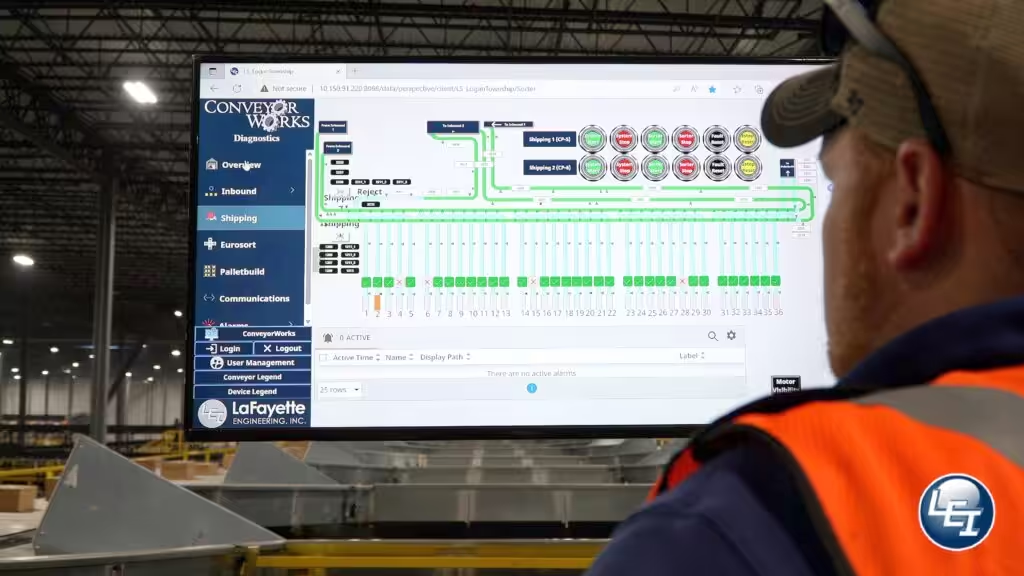
A remote connection that’s designed, secured, and documented is what makes that kind of fast response possible without leaving the controls network open.
For a starting checklist, download LEI’s free cyber guide, “3 Ways To Keep Your Automation And Control Systems Secure.” To review remote access, backups, and support for your conveyor controls, talk to LEI’s support team or its PLC controls engineers.
This article is general information, not engineering, legal, or cybersecurity advice. Your organization’s security policies and the guidance cited above govern your site.
Frequently Asked Questions
What is PLC security?
PLC security is the protection of programmable logic controllers, and the networks, HMIs, and remote connections around them, from unauthorized access, unauthorized changes, and disruption. In a warehouse, its main goal is keeping conveyor and sortation systems running and their logic trustworthy.
Why would anyone target a warehouse conveyor PLC?
Often they aren’t targeting it specifically. CISA notes that internet-connected OT devices are found by scanning for open ports, and that many use default or easily guessed passwords. A conveyor PLC that’s reachable and unprotected can be disrupted by opportunistic attacks or by malware that spreads from business systems.
What is the first step in PLC security?
Start with an inventory of every controller, HMI, drive, and network device, plus current, tested backups of every program. Both can be done during normal operations, and the backups are what shorten recovery from any incident or mistake.
Is remote access to a conveyor PLC safe?
It can be, when it’s controlled. CISA recommends that essential remote access use a private connection and a VPN with a strong password and phishing-resistant multifactor authentication, with least-privilege access and dormant accounts disabled. An always-on, unmanaged connection is the risk.
What is OT network segmentation?
OT network segmentation separates the controls network from the business network, so only defined data passes between them through a controlled point such as a firewall and DMZ. It limits how far a problem on one network can spread to the other.
Do older PLCs have security features?
Many older PLC platforms have little or no authentication, encryption, or change logging. Current platforms add features such as role-based access, change detection, and signed or encrypted firmware. Older controllers depend on network protections and should be on a migration plan.
What guidance covers PLC security in the United States?
CISA’s primary mitigations for operational technology are a practical starting point. NIST SP 800-82 Rev. 3 is the federal guide to OT security, and the ISA/IEC 62443 series is the international standard family for industrial automation security.
Can PLC security work be done without downtime?
Most of it can. Inventory, backups, password changes, and remote access controls usually need little or no downtime. Network segmentation and controller upgrades can need planned outages, scheduled in low-volume windows with a tested rollback plan.